Light Minds Lab
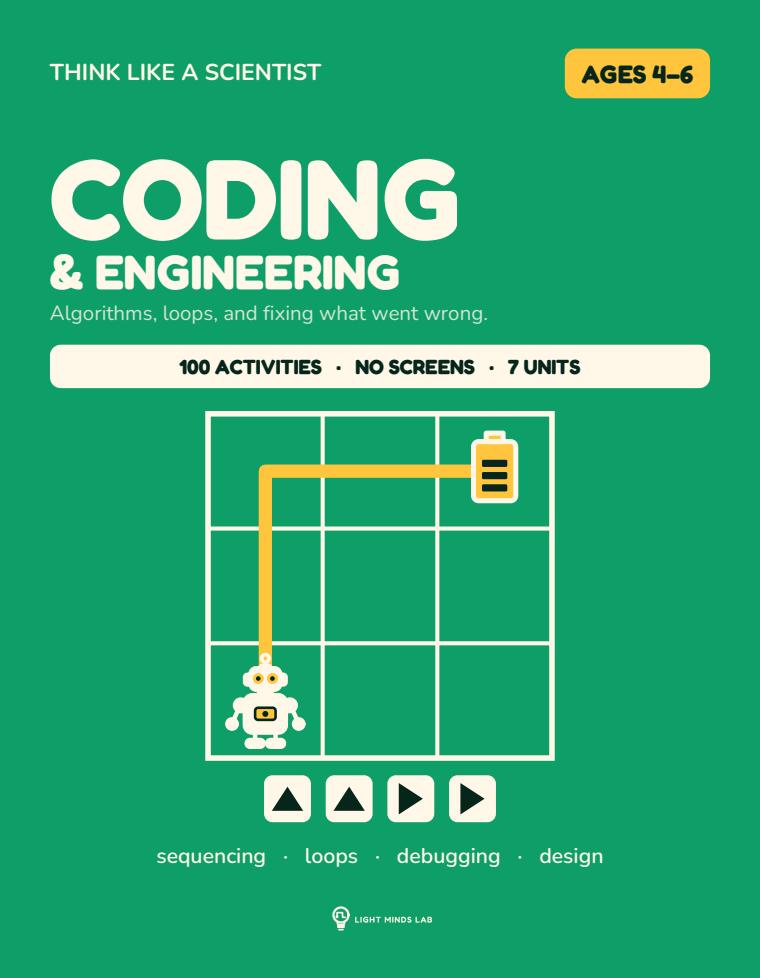
Coding
& Engineering
Algorithms, loops, and fixing what went wrong.
Sequences, loops, conditionals and debugging, written in arrows on paper. No app, no tablet, no login.
120 pages · 8.5 × 11 in · paperback · black-and-white interior on cream paper · sequencing · loops · debugging · design
Why it exists
"Coding for preschoolers" almost always means another screen. The ideas underneath do not need one: order, repetition, and finding your own mistake.
A locked symbol set of arrows and a grid. The child reads a code and traces it, then writes a code of their own, then shortens it with a loop, then finds the one wrong step in a code that does not work.
The symbol set is fixed on page one and never changes: four arrows, a loop mark, a start flag. A child who learns it on activity 3 can read activity 97.
The ramp · 7 units
What is in the book, in the order the child works through it.
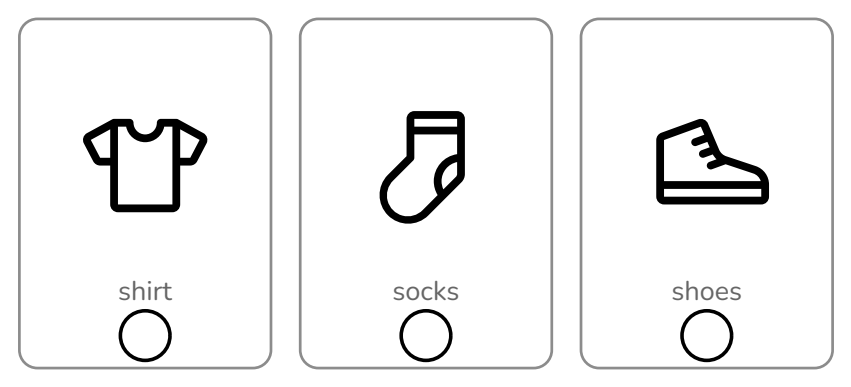
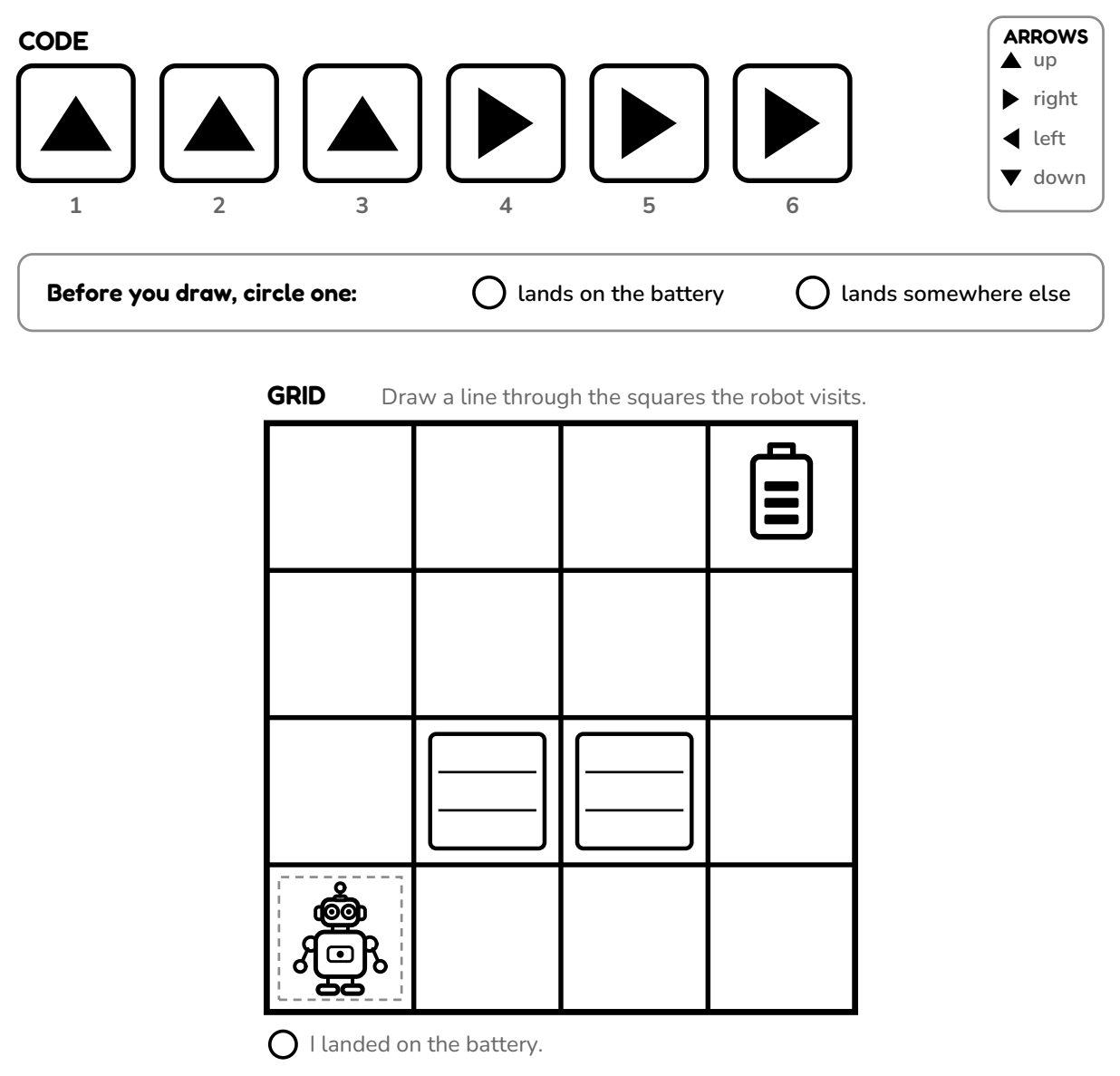
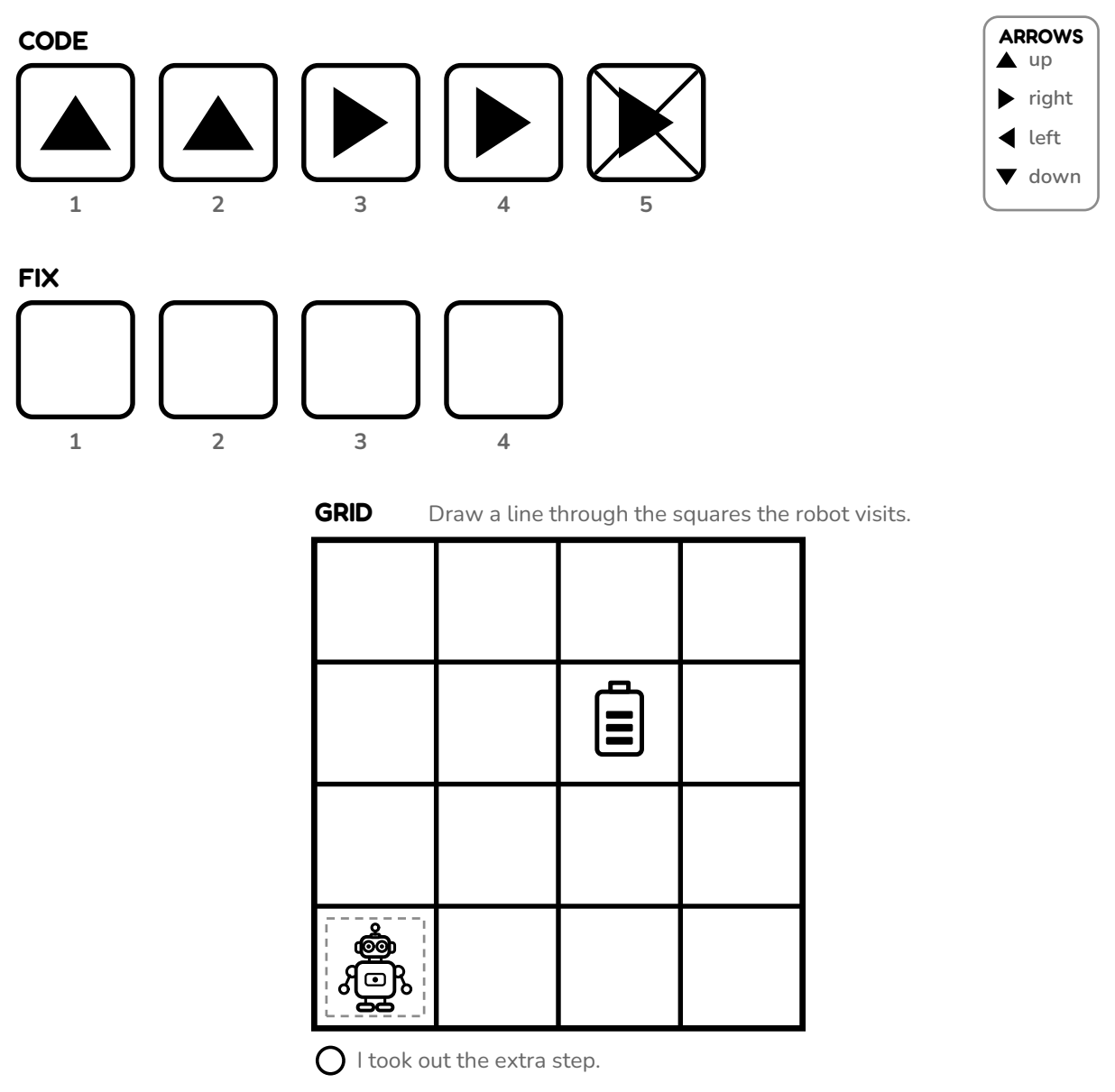
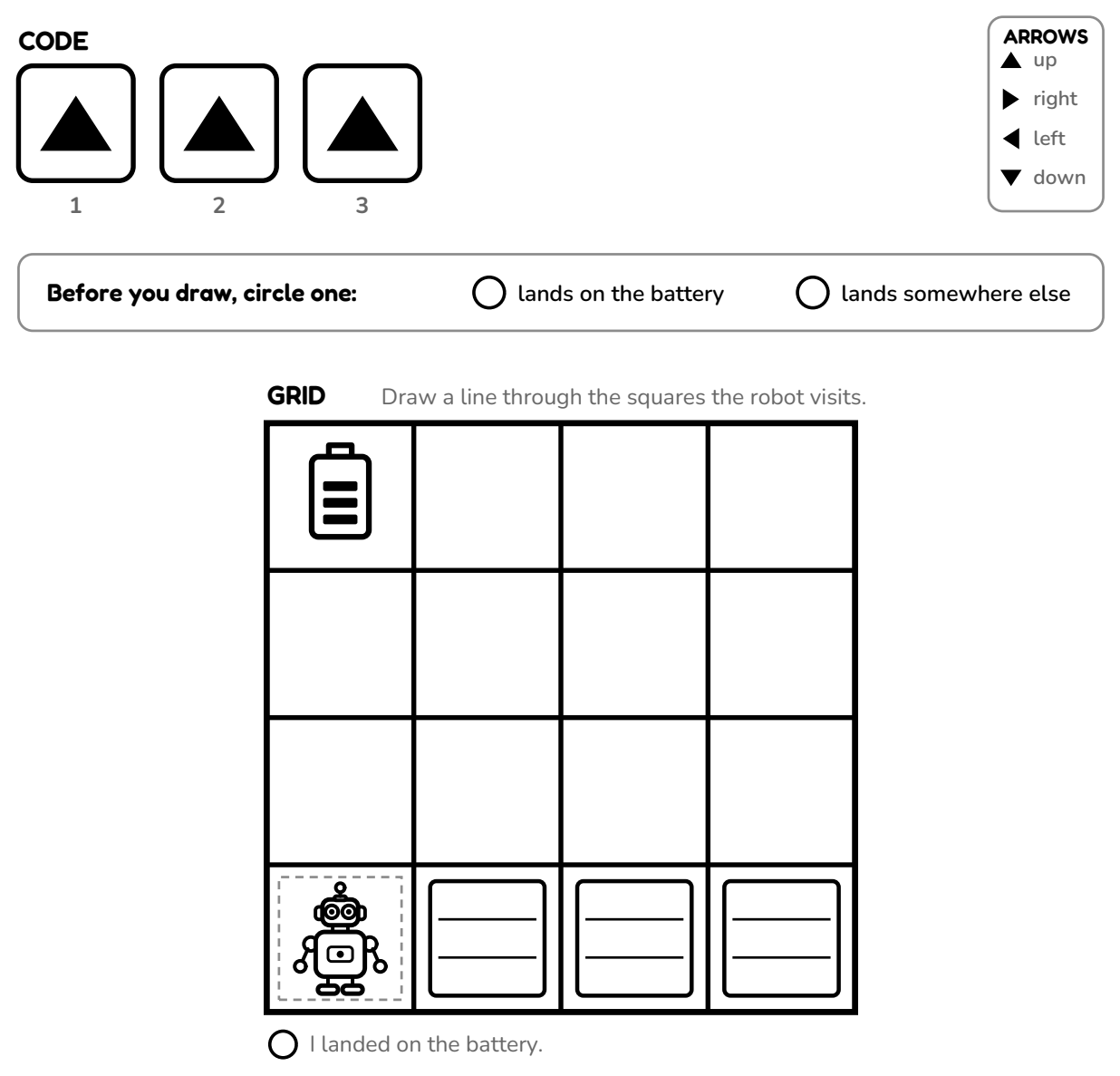
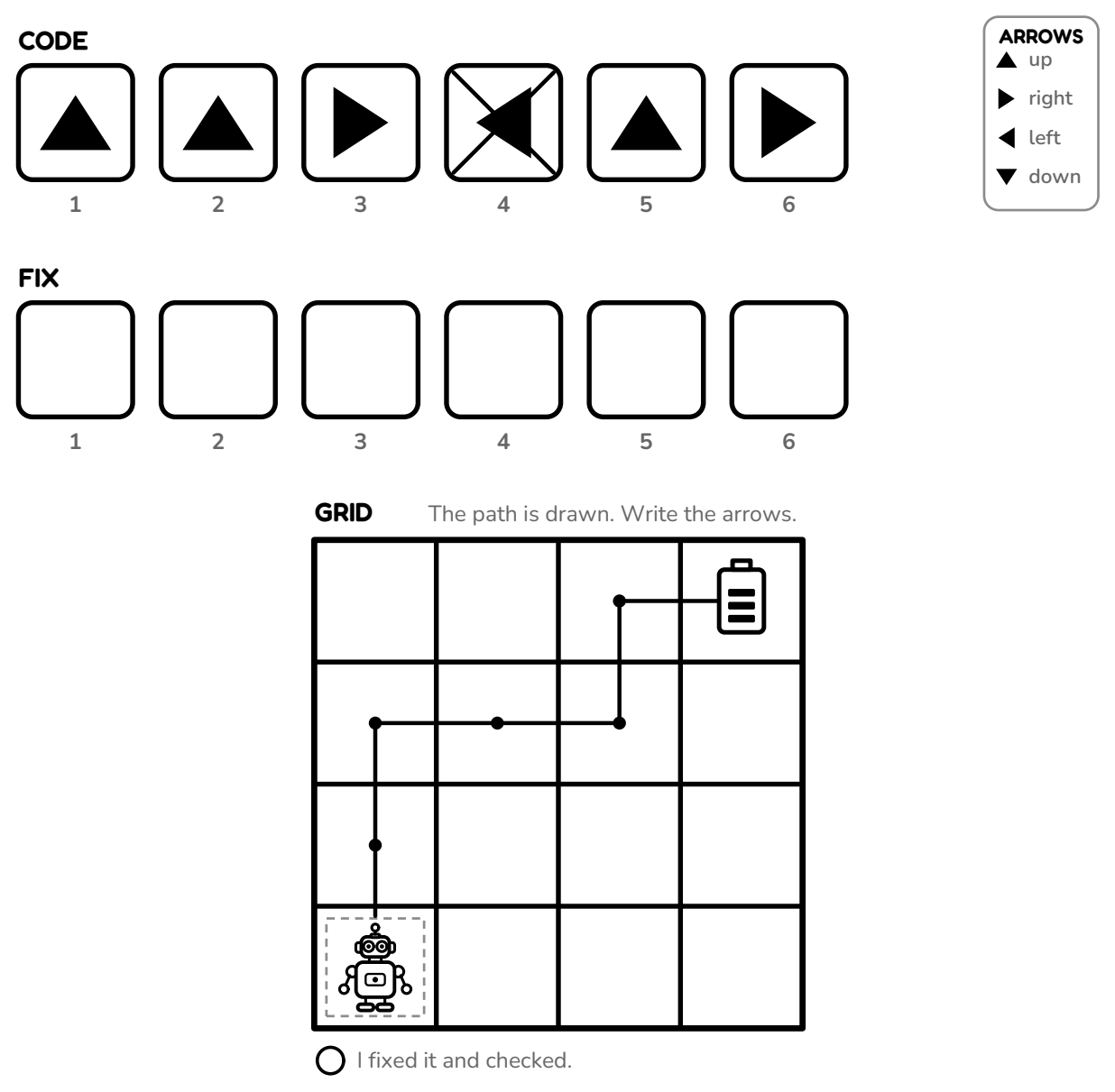
The grid is the page's own quarter inch, reduced with the art, so the row can be measured and not only compared.
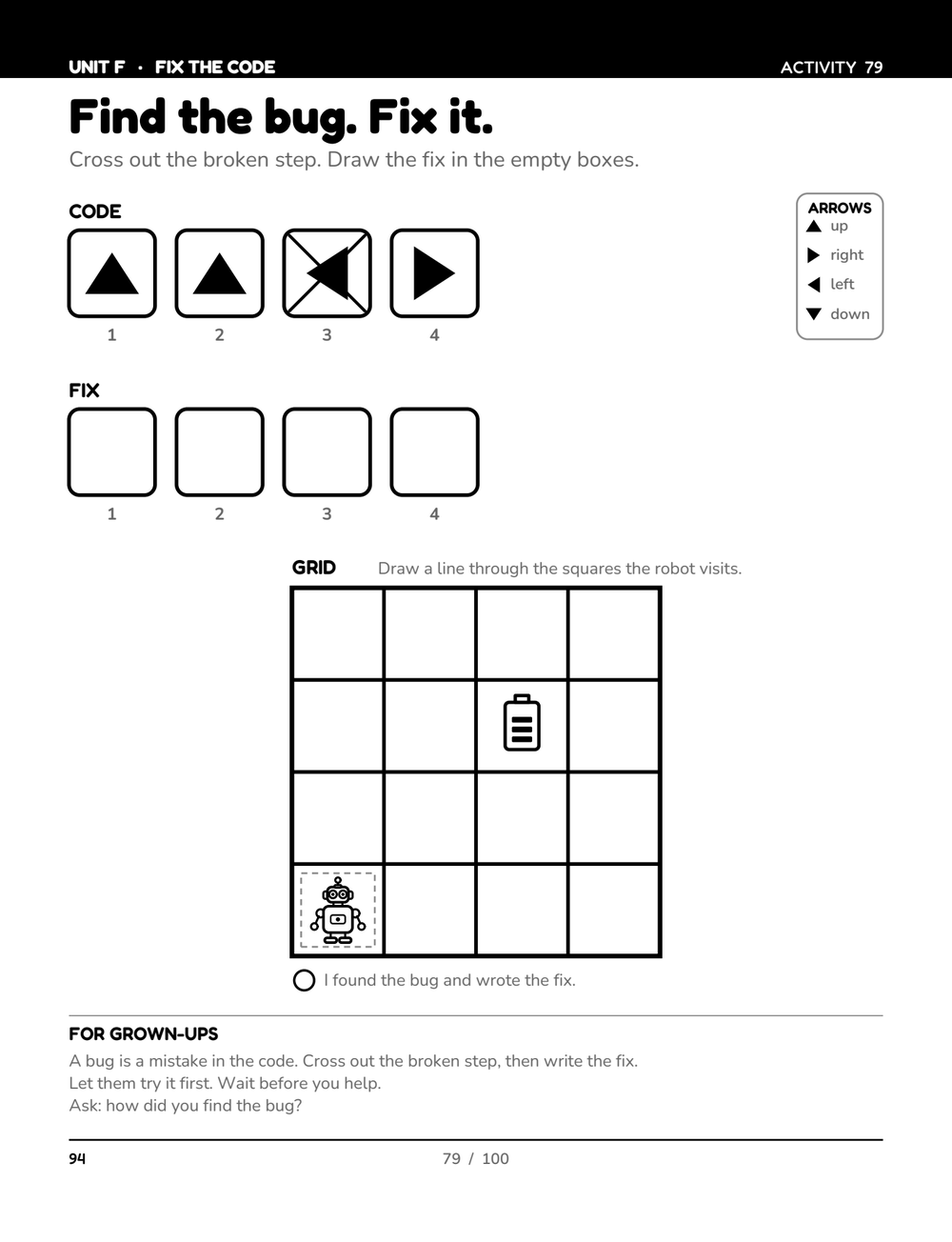
Five real pages, cut from the printed interior by the build and reduced by the same amount. Three pictures put in order on the first page; a five-arrow program with a bug in it, and a grid to trace the fix, by activity 88. The strip stops there because the last unit, Young Engineer, is design work with nothing printed to check against.
First, Then, Next
Activities 1–16Sequencing everyday actions, and meeting the arrows. Steps have an order.
Follow the Code
Activities 17–34Read a code that is given, trace the path it makes on the grid. Symbols mean actions.
Write the Code
Activities 35–52The path is drawn; the child writes the arrows that produce it. You can write instructions.
Again and Again
Activities 53–66Loops. A repeat can be written short.
If This, Then That
Activities 67–78Conditionals and simple decisions. Choices in code.
Fix the Code
Activities 79–88Debugging. A code is given that does not work, and the mistake is findable.
Young Engineer
Activities 89–100The design process: build it, test it, make it better.
Questions
Does this need a computer or an app?
No. Nothing in the book connects to anything. The child needs a pencil and the printed page.
Will it teach a real programming language?
No, and nothing at this age should. It teaches the four ideas every language uses: sequence, loop, condition, and debugging. The notation is one a five-year-old can read.
Why is this 4–6 when the maze book is 3–5?
Because writing a code is not a three-year-old's task, and an age line that overpromises is how a book earns a one-star review. We would rather lose the search term.
Guides for this book
Unplugged coding for preschoolers: where to start
Four ideas underneath every programming language, none of which need a computer, and the order a four-year-old can meet them in.
Choosing a bookWhich activity book for which age: 3, 4, 5 and 6
The maze book lists from three. The others list from four. Here is what sits inside those ranges: the book for each age, the page to open it at, and the sign that says move up.
For grown-upsHow to sit beside a child doing a worksheet
The most challenging part of an activity book is not on the page. It is sitting there while a four-year-old gets it wrong.
How we make themWhy our activity books are printed in black and white
The research behind it, the one finding that argues against it, and what the child gets in return.