Free printable debugging worksheets
Six sheets, each with a code that does not work and a reason it does not: one arrow is wrong, one is missing, there is one too many, two are swapped so the robot walks into a wall, the robot is standing on the wrong square, and, on the last sheet, there are two bugs to find. On five of them the child works out why and writes the fixed code in the empty boxes. On the wrong-start sheet the code is fine and the robot is what moves. Drawn with the book's tools, and in none of it.
US Letter · 6 pages · black and white · no signup
What is on the sheets
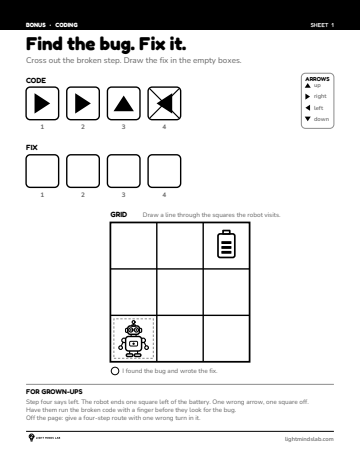
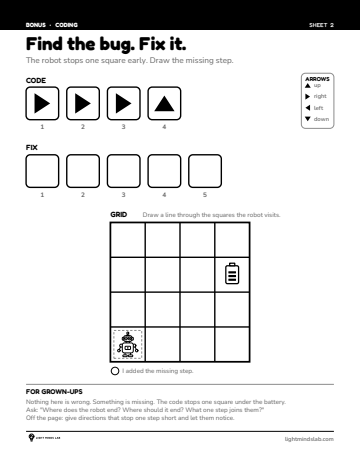
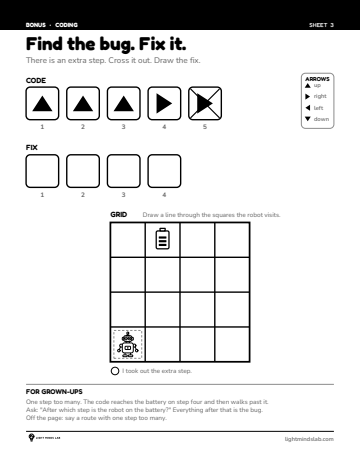
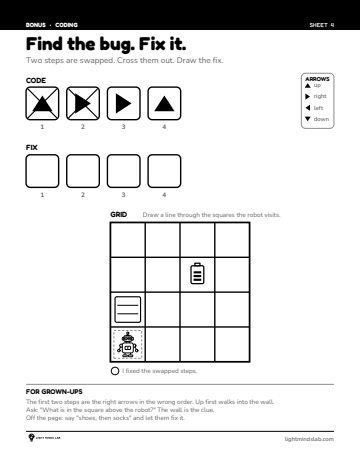
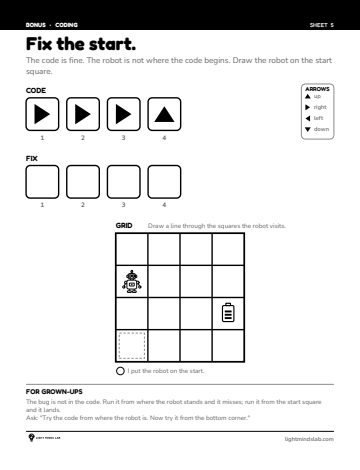
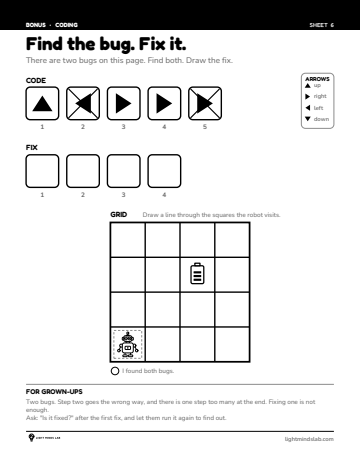
Print at actual size (100%), not "fit to page". The target sizes on these pages are chosen for a particular age of hand, and scaling shrinks them.
Using them well
Run it before you fix it
Have the child trace the broken code on the grid with a finger first. The bug shows itself where the finger leaves the path, and finding it that way is the skill.
One bug has one cause
Broken does not mean failed. The code stops one square short, or goes through a wall, and there is a step that did it. Say that out loud the first time.
Do not point at the arrow
Watching a child stare at a four-arrow code with the bug in step four is hard. Ask which steps they have checked. Do not check them for them.
Questions
What is a debugging worksheet?
A code that does not work, a grid that shows it not working, and space to write the fix. Debugging is the fourth of the four ideas under every programming language, and it is the one most preschool coding material skips.
What age are these debugging worksheets for?
Five and six. They match the last unit of a book that lists for ages 4 to 6, and a child should be able to read and write a four-arrow code before finding the bug in one. The coding worksheets set is the place to start if they cannot yet.
Do these need a computer?
No. Nothing on them connects to anything. Four arrows, a grid, a pencil, and the empty boxes for the fix.
Do I need to sign up or pay?
No. One PDF, six pages, no email address. They are not pages of the book: they are six new activities drawn by the book's renderer and checked by its simulator, with our mark and this address where a page number would be.
Guides that go with these
Unplugged coding for preschoolers: where to start
Four ideas underneath every programming language, none of which need a computer, and the order a four-year-old can meet them in.
Choosing a bookWhich activity book for which age: 3, 4, 5 and 6
The maze book lists from three. The others list from four. Here is what sits inside those ranges: the book for each age, the page to open it at, and the sign that says move up.
For grown-upsHow to sit beside a child doing a worksheet
The most challenging part of an activity book is not on the page. It is sitting there while a four-year-old gets it wrong.
How we make themWhy our activity books are printed in black and white
The research behind it, the one finding that argues against it, and what the child gets in return.
Where these came from
These 6 are not in the book.
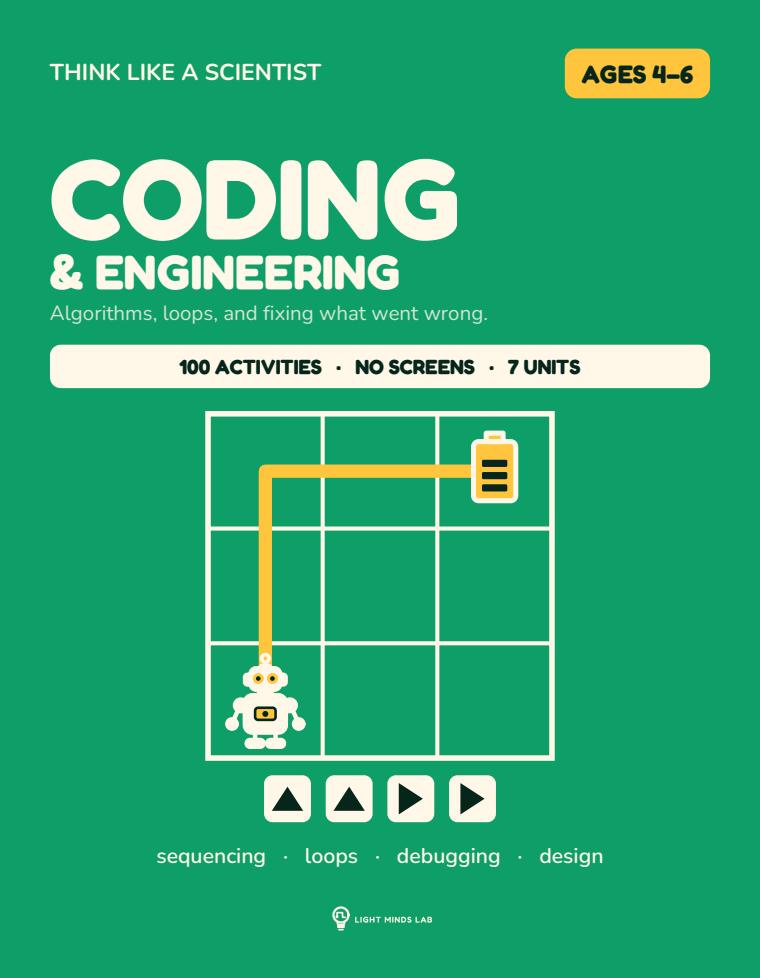
Sequences, loops, conditionals and debugging, written in arrows on paper. No app, no tablet, no login. A locked symbol set of arrows and a grid. The child reads a code and traces it, then writes a code of their own, then shortens it with a loop, then finds the one wrong step in a code that does not work.